

Keypad access control is a system that unlocks a door or gate when someone enters the correct numeric code on a wall-mounted or gate-mounted pad, instead of using a key or card. The code lives in a control panel rather than on a physical object, so it can be changed, shared temporarily, or shut off without anyone handing over a key.
Because a keypad often relies on a shared code rather than a credential assigned to one person, it can offer less individual accountability than a fob or cloud-based system, since a code can be repeated to anyone who needs it. That tradeoff is exactly why keypads remain common at entrances where simplicity matters more than tracking every individual who comes through. Understanding where a keypad fits well, and where it doesn’t, helps avoid installing the wrong type of access control on the wrong door.
Key Takeaways
- A keypad verifies a numeric code against an approved list stored in a control panel, then releases the door or gate.
- No card or fob to lose, but a shared code carries a different tradeoff since it can be passed along freely, which can make it harder to know exactly who used it on a given entry.
- Keypads are most common at gated lots, loading docks, warehouses, construction sites, and back-of-house retail areas.
- Codes can be set to expire automatically, which makes them useful for temporary or seasonal access.
- Keypad hardware is generally less expensive to install than fob or biometric readers.
- Businesses that want individual accountability per person often move toward individual credentials like fobs or mobile access instead of, or alongside, a shared code.
Keypad Types Compared
Keypad Type | Power Source | Code Management | Best For |
Mechanical Keypad | None (manual combination) | Fixed code, manually reset | Very low-traffic gates |
Standalone Electronic | Battery or wired | Programmed at the panel | Single-door entries |
Wireless Electronic | Battery | Programmed via local app | Gates and detached buildings |
Cloud-Connected Keypad | Wired or battery with Wi-Fi | Managed remotely | Multi-location businesses |
Owners weighing whether a keypad or a fob makes more sense for a specific door should read What Is Access Control and Security? 7 Types of Systems Explained for a broader comparison of every type first.
How Keypad Access Control Works
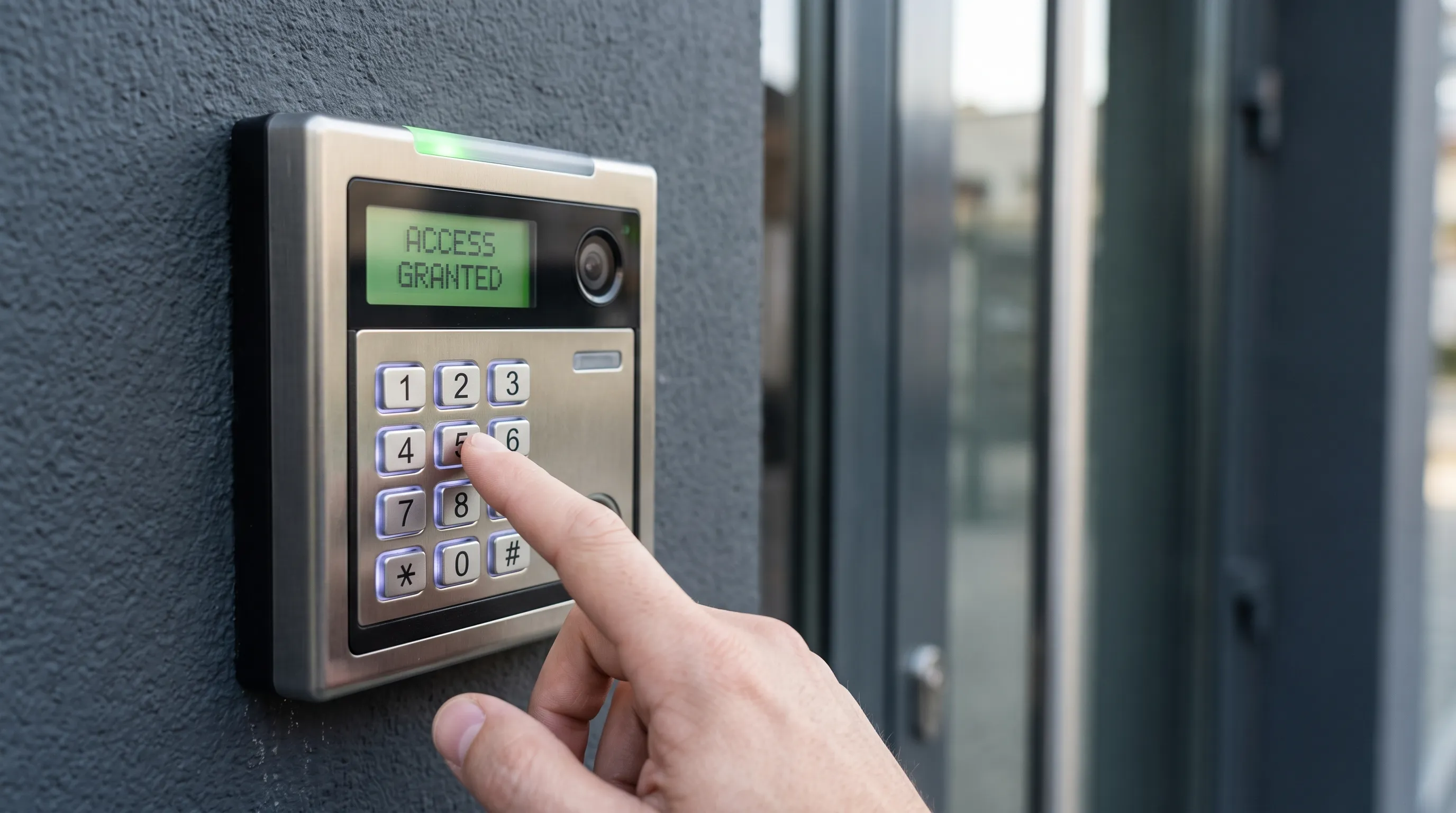
A keypad doesn’t store a database of codes on the pad itself in most electronic systems. It sends whatever gets typed to a control panel, which checks it against a list of active codes before deciding whether to unlock. This distinction matters because it’s the control panel, not the physical keypad, that actually manages security.
How Keypad Readers Verify a Code
- The pad captures the digits entered and sends them to the control panel over a wired or wireless connection.
- The panel compares the entry against its list of currently active codes.
- A match triggers the electric strike, maglock, or gate motor to release for a set number of seconds.
Most systems support multiple active codes at once, so different staff, vendors, or tenants can each have their own, and any single code can be disabled without affecting the others.
1. Gated Parking Lots and Storage Facilities
Gated lots are one of the most common places a keypad shows up, mainly because tenants or renters need reliable access without a business handing out physical gate remotes to everyone. A gate remote is easy to lose, expensive to replace in bulk, and offers no way to track who actually opened the gate.
Why Keypads Work Well for Gated Lots
A code is easy to communicate to a new tenant over the phone or in a welcome email, and it costs nothing to change once someone moves out. This is a lighter-weight alternative to individually tracked fobs, which some owners prefer instead.
If tracking matters more to you, read How Does Key Fob Access Control Work? 5 Things Business Owners Should Know.
2. Loading Docks and Delivery Entrances
Delivery drivers need access at specific hours, often from vendors a business doesn’t want to issue permanent credentials to. A permanent fob or card for a vendor who visits once a month creates more administrative work than it’s worth.
Why Keypads Work Well for Loading Docks
A temporary code can be handed to a delivery service for a single day or a recurring schedule, then deactivated once the relationship ends. Businesses managing several dock doors across locations sometimes prefer setting and revoking these codes remotely instead.
If that’s the case, read What Is Cloud-Based Access Control? 5 Reasons Businesses Are Switching.
3. Warehouses and Distribution Centers
Large warehouse floors often have several secondary doors that don’t need the same level of tracking as the main employee entrance, but still need to stay locked to anyone without a reason to be there. Running a full fob or cloud-based system to every one of these doors adds cost that doesn’t always match the actual risk.
Why Keypads Work Well for Warehouses
- Secondary doors can run on standalone keypads without wiring back to a central panel.
- Shift workers can share a single code for a specific door without individual credential management.
- Codes can rotate on a schedule if a business wants an added layer of security.
- Standalone units keep installation cost down on doors that see occasional use rather than constant traffic.
4. Construction Sites
Construction sites present a specific challenge: the workforce changes constantly, the building often isn’t finished, and permanent wiring for a fob system may not exist yet. Materials and equipment left on an active site are also a common theft target, which raises the stakes for whatever entry solution goes in first.
Why Keypads Work Well for Construction Sites
A wireless, battery-powered keypad can be mounted on a temporary gate or trailer without running conduit through an active job site. Reprogramming speed is the real advantage here: switching a code takes seconds, where a traditional mechanical combination lock has to be physically reset. Angi’s comparison of smart locks versus regular locks makes a similar point, and that difference matters most on a site where the workforce and subcontractors change from week to week.
5. Multi-Tenant Office Buildings
In buildings with several small tenants sharing a lobby or back entrance, a single fob system for every tenant can get expensive and complicated to manage, especially as tenants move in and out on different lease schedules.
Why Keypads Work Well for Multi-Tenant Buildings
A shared entrance code works well for common areas, while individual tenants can still run their own lock or fob system on their suite door. This layered approach is becoming more common as battery-powered, app-connected locks show up at the individual suite level too, a trend Family Handyman covers in its overview of smart lock devices, stacked on top of a simpler shared code at the main entrance.
6. Retail Back-of-House and Stockrooms
Front-of-house retail doors usually need a friendlier, higher-traffic solution, but the stockroom or back exit is a different story entirely, since the goal there is limiting entry, not welcoming it.
Why Keypads Work Well for Retail Stockrooms
- A stockroom code keeps casual traffic out without slowing down staff who need frequent access.
- Codes can be reset quickly after seasonal staff turnover, which is common in retail.
- Combining a keypad with a door alarm is a common low-cost security layer for back exits.
- A simple keypad avoids the ongoing cost of issuing and replacing individual credentials for a role with high turnover.
Matching the Right Entry to the Right Door
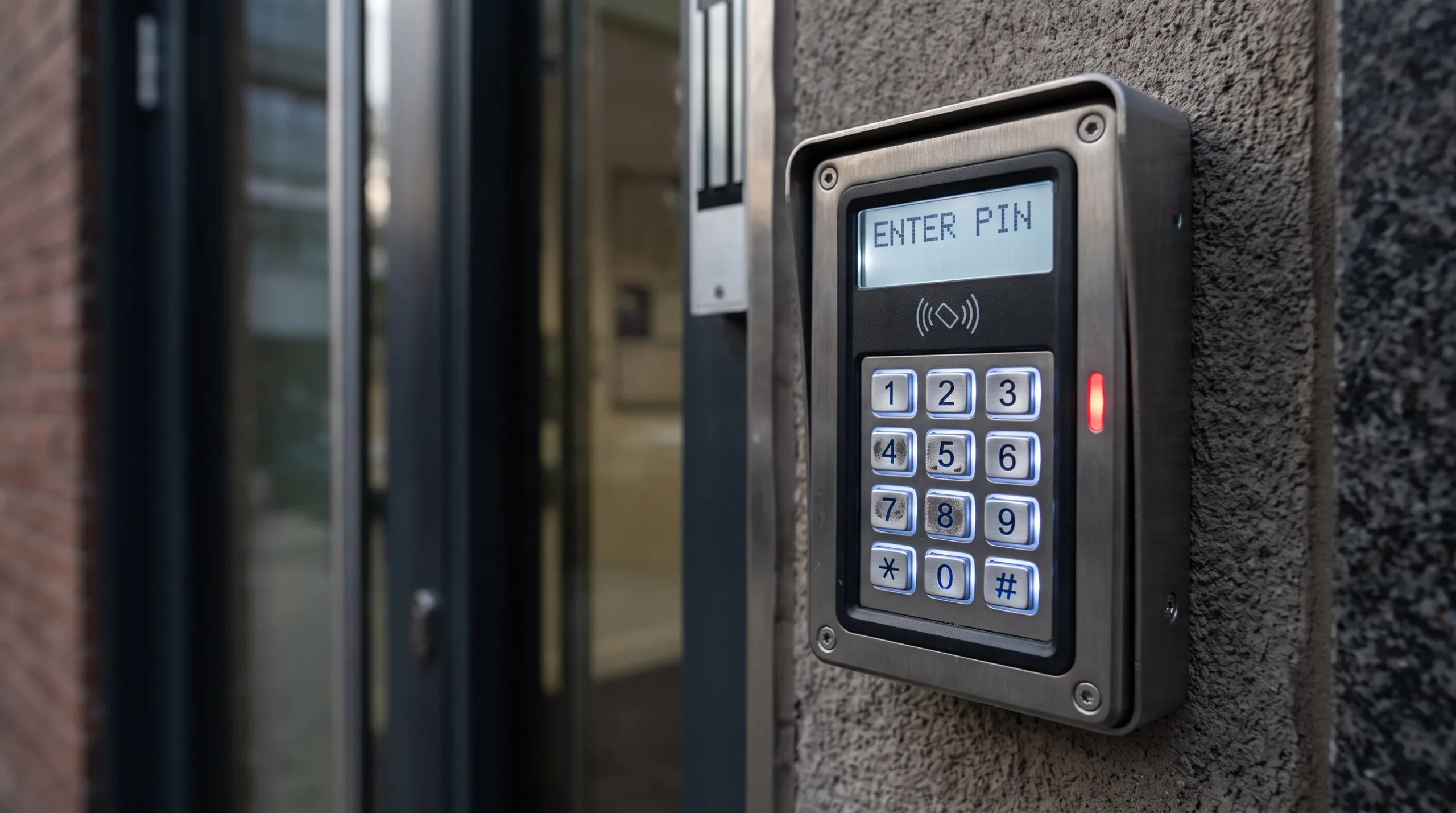
A keypad isn’t the right fit for every door in a building, but for the specific situations above, it’s often the simplest and least expensive option available. The tradeoff is real: a shared code only offers as much individual accountability as the group sharing it chooses to maintain, so knowing which doors can tolerate that tradeoff matters more than the hardware itself. Getting that judgment right up front saves a business from either overspending on doors that didn’t need it, or underprotecting the ones that did.
R&S Erection of Richmond Inc installs and services keypad access control for gated lots, warehouses, construction sites, and commercial buildings throughout Richmond. If a keypad sounds right for one of your doors, or you’re not sure it’s the best fit, contact us today or give us a call to book a free consultation, and one of our licensed technicians will walk the property with you.