

Access control and security mean using a system, credential, or verification method (a key fob, code, mobile app, or biometric scan) to decide who can enter a building, room, or gated area, and when. Instead of a single lock and a set of keys anyone could copy, access control gives owners a record of who came in, when they came in, and the ability to shut off one person’s entry without rekeying the whole property.
Most commercial and multi-unit properties use one of seven common approaches: key fob, keypad, cloud-based, biometric, video intercom, mechanical, or multi-factor systems. Each trades off cost, convenience, and security differently, and the right pick usually depends on door count, how many people need access, and whether the owner wants remote management. The comparisons below are general starting points; actual security depends heavily on the specific equipment chosen and how the system is installed and configured.
Key Takeaways
- Access control replaces keys with credentials (fobs, codes, apps, or biometrics) that can be tracked and revoked individually.
- There are 7 common system types, from simple keypads to cloud-based platforms managed from a phone.
- Cost and complexity generally rise with the level of control a system offers.
- Cloud-based and mobile-credential systems are a fast-growing category, since they can reduce the need for rekeying.
- Multi-factor setups (a fob plus a code, for example) are increasingly common for high-security areas.
- The right system depends on door count, staff turnover, and whether remote management matters to the owner.
Access Control System Comparison
System Type | Best For | Relative Security* | Remote Management | Typical Install Complexity |
Key Fob | Small-to-mid offices, apartment common areas | Moderate* | Limited | Low |
Keypad | Warehouses, storage units, gated lots | Moderate* | Limited | Low |
Cloud-Based | Multi-location businesses, growing teams | High* | Full (via app/browser) | Moderate |
Biometric | High-security rooms, server closets | Very High | Varies by brand | Moderate to High |
Video Intercom | Retail entries, apartment lobbies | Moderate to High | Moderate | Moderate |
Mechanical/Key | Very small properties, low turnover | Low | None | Very Low |
Multi-Factor | Cash rooms, data centers, regulated facilities | Very High | Full | High |
*Security level depends on the specific hardware selected and how the system is configured. These rankings are general, relative comparisons rather than fixed guarantees. A well-configured keypad or fob system can outperform a poorly configured cloud system, and vice versa.
1. Key Fob Access Control
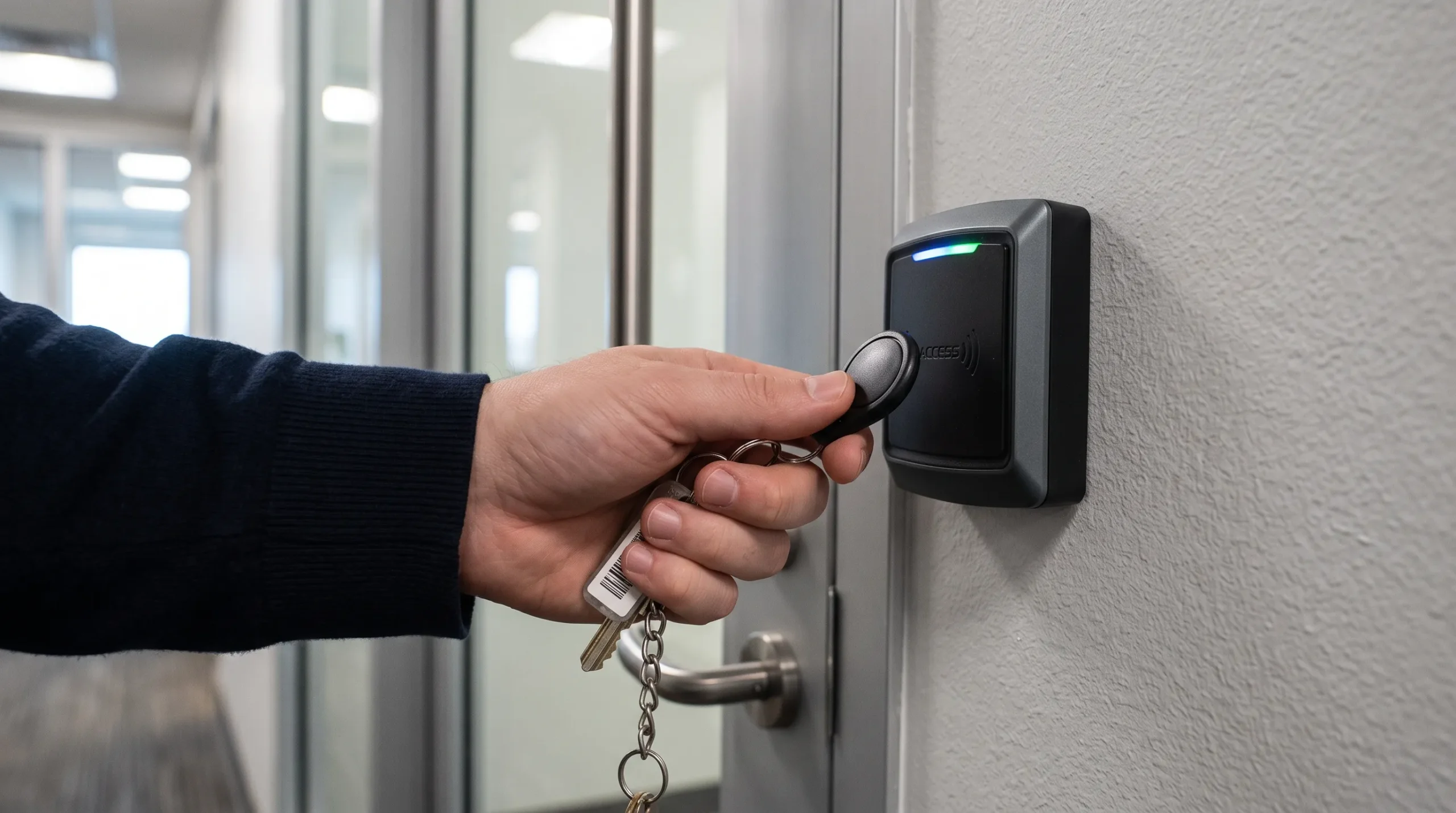
A key fob system reads a small plastic tag against a wall-mounted reader to unlock a door. Each fob is programmed to one person, so an owner can turn off a lost or stolen fob without changing every lock in the building.
Key fobs use a few different types of credential technology. Many proximity fobs are passive, meaning they draw power from the reader’s electromagnetic field and don’t contain a battery at all. Other fobs, particularly some long-range or Bluetooth-enabled models, do use a small internal battery. Which type is right for a property depends on the reader technology and range needed.
How Key Fob Access Control Works
- The fob holds a unique code that a reader scans on contact or proximity.
- The reader sends that code to a control panel, which checks it against an approved list.
- If it matches, the panel releases the door strike or magnetic lock for a few seconds.
- Lost fobs get deactivated in the system instantly; no rekeying required.
Fobs are a common entry point for small businesses moving off traditional keys, since the hardware is inexpensive and installs cleanly on most standard doors.
If you’re weighing a fob system for a small office or apartment building, read How Does Key Fob Access Control Work? 5 Things Business Owners Should Know for the full walkthrough on credential types, range, and typical failure points.
2. Keypad Access Control
A keypad system swaps the fob for a numeric code punched into a wall-mounted or gate-mounted pad. No card or tag to lose, but codes can be shared or overheard, which is the main tradeoff owners weigh.
How Keypad Access Control Works
Because a keypad code is often shared among a group rather than assigned to one individual, it can offer less individual accountability than a system using uniquely assigned credentials, since it’s harder to say with certainty who used the code on a given entry. This is a difference in accountability and traceability rather than a fixed statement about overall security strength, and it can be reduced by assigning unique codes per person where the hardware supports it. Keypads remain a strong fit for:
- Gated parking lots and storage facilities with infrequent turnover
- Loading docks where delivery drivers need temporary access
- Backup entry for buildings that primarily use fobs or cards
- Locations where battery-powered or wireless readers aren’t practical
Owners who want the code-based simplicity of a keypad but need to know exactly where it’s a good fit, and where it falls short, should read What Is Keypad Access Control? How It Works and 6 Places Businesses Use It.
3. Cloud-Based Access Control
Cloud-based systems move the control panel off-site. Instead of managing permissions from a box in a back room, owners add or remove users, pull entry logs, and lock down doors remotely from a browser or phone app.
How Cloud-Based Access Control Works
- Credentials (mobile app, card, or code) connect to a cloud-hosted platform instead of a local server.
- Door hardware talks to the cloud over Wi-Fi or a wired connection.
- Admins manage every door across every location from one dashboard.
- Depending on the platform and service plan, software updates and security patches may roll out automatically or with limited technician involvement. The exact process, timing, and whether an on-site visit is ever needed varies by provider.
This category is growing among multi-location businesses, since a manager can often grant or revoke access quickly from anywhere, though setup and migration timelines vary depending on the platform and the scope of the installation. If you’re weighing whether the switch makes sense for your business, read What Is Cloud-Based Access Control? 5 Reasons Businesses Are Switching.
4. Biometric Access Control
Biometric systems verify identity through a physical trait (fingerprint, palm scan, or facial recognition) rather than something a person carries or types. Because a fingerprint can’t be lent to a coworker, this is typically reserved for higher-security areas of a building.
How Biometric Access Control Works
A scanner captures the biometric data point, converts it to an encrypted template, and compares it against stored templates on each entry attempt. Biometric verification, once limited to high-security facilities, is increasingly showing up in everyday buildings as the hardware becomes more affordable, a shift This Old House touches on in its overview of smart home technology.
Common placements include:
- Server rooms and IT closets
- Pharmaceutical or evidence storage
- Executive offices in larger facilities
- Cash-handling and vault areas
5. Video Intercom Access Control
A video intercom lets whoever is inside see and speak with a visitor before granting entry, combining a camera, a speaker, and a remote door release into one unit. It’s common at apartment lobbies, retail loading entries, and any door where the business wants a visual check before buzzing someone in.
How Video Intercom Access Control Works
- The visitor presses a call button, triggering a live video and audio feed to a receiver inside the building or on a staff member’s phone.
- Staff talk to the visitor, confirm identity, and release the door remotely without walking to the entrance.
- Many systems log every visitor image and timestamp, useful for reviewing deliveries or resolving disputes about who came and went.
6. Mechanical or Key-Based Access Control
This is the traditional approach: a physical key and a pin-and-tumbler or lever lock. No electronics, no batteries, no software to maintain, which keeps upfront cost low.
How Mechanical Access Control Works
The tradeoff shows up the moment a key goes missing or an employee leaves on bad terms. Without electronic credentials, shutting off that access means rekeying or replacing the lock, which gets expensive across multiple doors.
Mechanical locks still make sense for:
- Very small properties with one or two doors
- Extremely low staff turnover
- Interior doors that don’t need individual tracking
- Backup or secondary entries behind a primary electronic system
7. Multi-Factor Access Control
Multi-factor, or layered, access control requires two or more credentials before a door opens, most often a fob paired with a PIN, or a code paired with a biometric scan. The idea mirrors two-factor authentication on a phone: even if one credential is compromised, a second barrier still stands.
How Multi-Factor Access Control Works
Combining multiple layers, a code plus a sensor, or a lock plus a camera, is one of the most consistent recommendations across modern home and business security setups, since no single method catches everything on its own. Family Handyman makes a similar point in its guide to smart home security systems.
This layered approach is most common in:
- Data centers and server rooms
- Cash-handling and financial processing areas
- Regulated industries with compliance audit requirements
- After-hours access to otherwise low-security spaces
Locking Down the Right System for Your Building
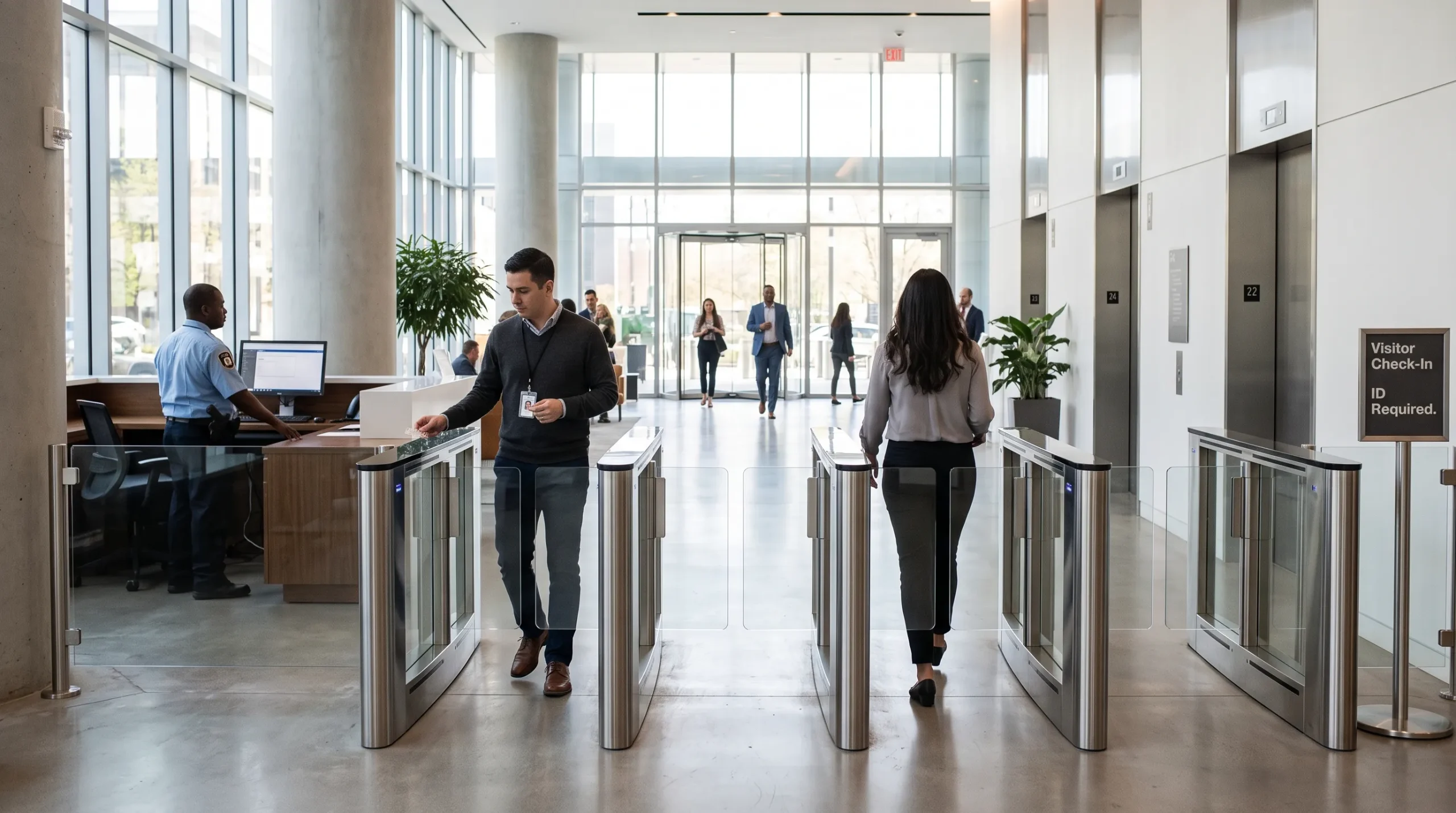
Choosing between these seven approaches comes down to three questions: how many doors need covering, how often people join or leave the organization, and whether remote management actually matters day to day. A single-door storage unit rarely needs the same setup as a multi-location retail chain, and matching the system to the real risk keeps both budget and maintenance reasonable.
R&S Erection of Richmond Inc has helped Richmond-area businesses install and upgrade fob, keypad, and cloud-based access control systems for offices, gated lots, and commercial buildings of every size. If you’re not sure which type fits your property, contact us today or give us a call to book a free consultation, and one of our licensed technicians will walk the site with you before recommending anything.