
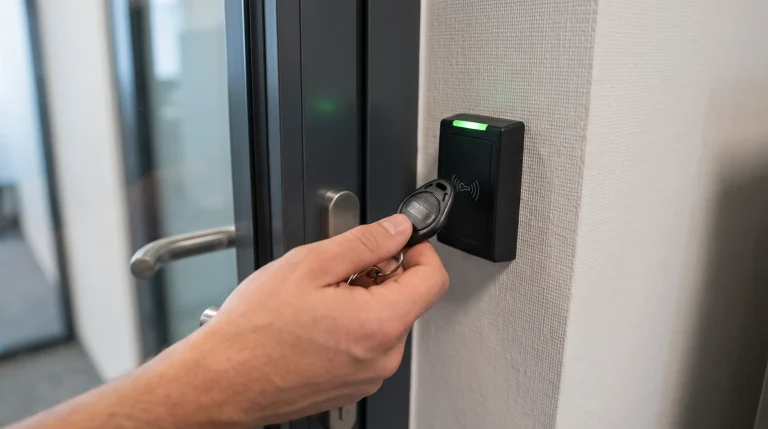
A key fob access control system works by pairing a small proximity credential to a wall-mounted reader, which checks the fob’s code against an approved list and releases the door lock when it matches. No physical key changes hands, and a lost or stolen fob can be shut off in seconds instead of triggering a full rekey.
Before installing or upgrading a fob system, most business owners want to know the same five things: how the read actually works, what happens when a fob goes missing, how credential type and battery life (for fobs that use one) factor in, how close someone has to stand to the reader, and what it costs per door. Each one affects day-to-day use more than the sales pitch usually covers, and getting clear answers up front tends to prevent the most common service calls after install.
Key Takeaways
- A fob holds a unique code that a reader scans and checks against an approved list before unlocking the door.
- Lost or stolen fobs get deactivated instantly in the system, no rekeying required.
- Not every fob uses a battery. Battery-powered fobs typically last one to two years under normal use, with a low-battery signal before failure, while passive credentials like smart cards draw power from the reader itself and don’t use a battery at all.
- Read range is typically a few inches to a few feet, closer than most people expect.
- Cost scales per door and per credential, not as one flat price for the whole building.
- Fob systems pair well with keypads or cloud platforms as a backup or upgrade path.
Key Fob Types Compared
Fob Type | Typical Read Range | Power Source | Best For |
Proximity Fob | A few inches to 2 feet | Battery (typically 1 to 2 years) | Standard office and apartment doors |
Smart Card | Contact to a few inches | Passive, no battery | High-traffic entries, easy replacement |
Keychain Fob | A few inches | Battery (typically 1 to 2 years) | Employees who carry keys already |
Mobile Credential | Several feet (Bluetooth) | Uses phone battery | Businesses moving toward app-based access |
For a full breakdown of how fobs stack up against keypads, cloud-based platforms, and every other type, read What Is Access Control and Security? 7 Types of Systems Explained, our complete guide to every option.
1. How the Reader and Fob Actually Communicate
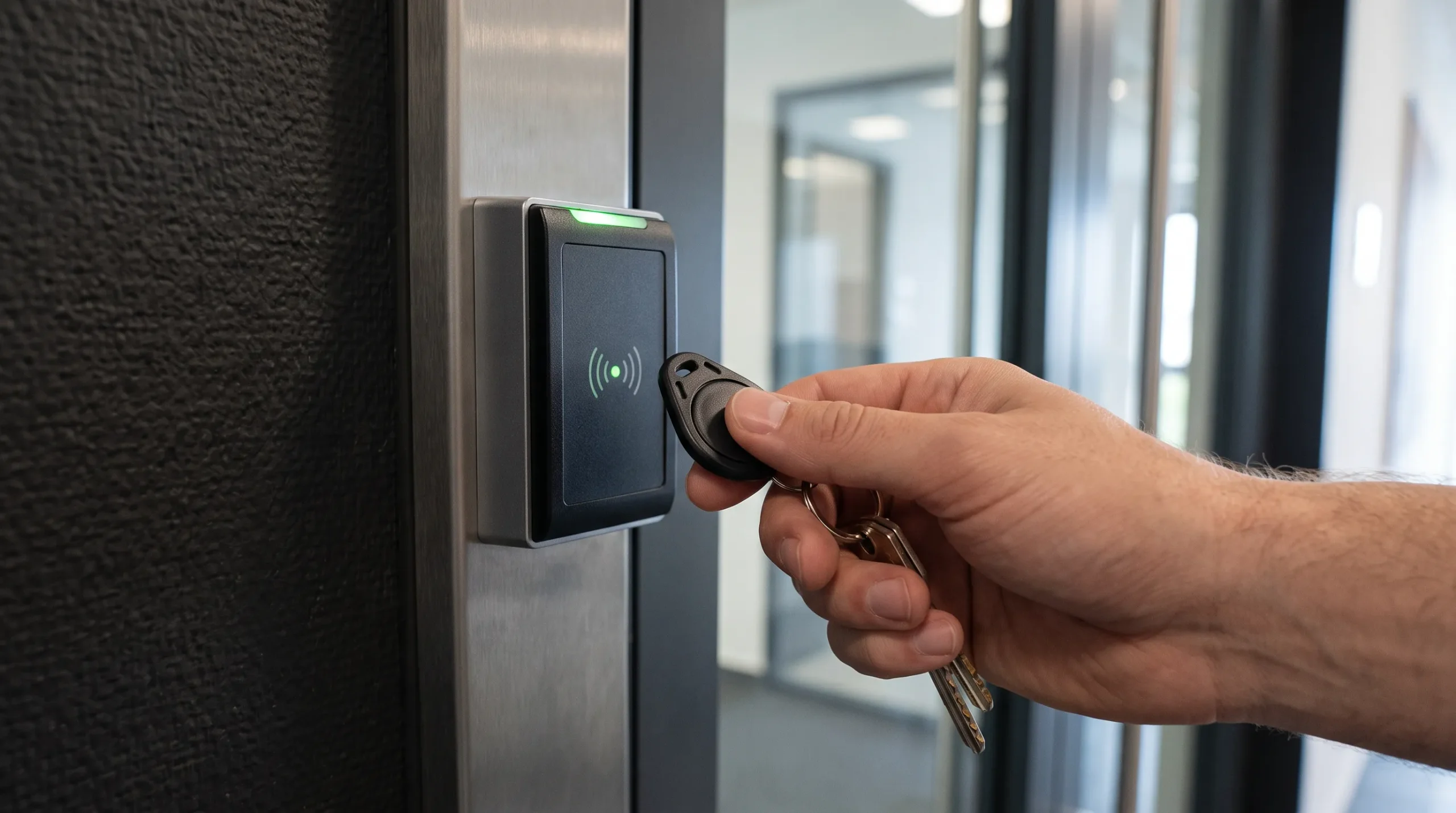
The fob doesn’t “talk” to the door directly. It holds a unique identifier that a nearby reader picks up using radio frequency, then passes that identifier to a control panel for a yes-or-no decision. Understanding this chain matters because it explains why a fob that works at one door might not work at another, and why a fob problem is rarely the fob itself.
How Fob Readers Verify a Credential
- The fob’s chip broadcasts its unique code when it comes within range of the reader.
- The reader forwards that code to the control panel over a wired connection.
- The panel checks the code against its list of active, approved credentials.
- A match releases the electric strike or magnetic lock for a few seconds, then it re-locks automatically.
If the code isn’t on the approved list, the door simply doesn’t respond, with no alarm or alert in most standard setups unless the system is configured to log denied attempts.
2. What Happens When a Fob Is Lost or Stolen
This is the scenario that actually justifies the switch from mechanical keys for most owners. A missing key means every lock it opens is potentially compromised, and rekeying an entire building to stay safe gets expensive fast. A missing fob means one line item gets turned off, with the rest of the building unaffected.
How to Deactivate a Lost Key Fob
Deactivating a fob takes a few clicks in the access control software, whether that’s a local panel or a cloud dashboard. Once it’s off, that fob’s code is rejected at every reader in the building, immediately. There’s no rekeying, no locksmith visit, and no risk that a former employee or a stranger who found a dropped fob can still walk in. Most owners issue a replacement fob within the same visit, and the old one stays permanently disabled even if it turns up later. Businesses that find this hassle unappealing sometimes prefer a code-based system instead.
If that sounds like a better fit, read What Is Keypad Access Control? How It Works and 6 Places Businesses Use It.
3. Battery Life and Maintenance You Should Expect
Not every fob relies on a battery. Passive credentials, like most smart cards, draw their power from the reader’s field itself and have no battery to track. Many standalone fobs, however, do run on a small coin-cell or lithium battery, since the fob only needs enough power to broadcast a signal when it’s near a reader. Unlike a smoke detector or remote, there’s no constant drain on a battery-powered fob, which is why a small battery lasts as long as it does.
How Long Do Key Fob Batteries Last
- For battery-powered fobs, typical battery life runs 1 to 2 years under normal daily use, depending on how many times per day the fob is scanned.
- Most battery-powered fobs signal a low battery through a slower response or a blinking reader light before they fail completely, giving owners a warning window rather than a sudden failure.
- Smart cards and other passive credentials avoid battery tracking entirely, sometimes at the cost of a slightly shorter read range.
- Readers themselves are usually hardwired and don’t need battery replacement, so maintenance is limited to the battery-powered credentials in circulation, not the hardware at the door.
Owners who’d rather skip battery tracking altogether sometimes move toward passive credentials or a system managed entirely through software instead.
To see what that shift actually involves, read What Is Cloud-Based Access Control? 5 Reasons Businesses Are Switching.
4. Read Range: How Close Does a Fob Need to Be
Most business owners overestimate how far a fob needs to be from the reader. In practice, the range is short by design, both for security and to avoid accidentally triggering a nearby door when someone walks past with a fob still clipped to their belt or bag.
How to Fix Short-Range Fob Reader Issues
If a battery-powered fob that used to work reliably now needs to be held directly against the reader, that’s usually a sign of a weakening battery rather than a reader problem. Mounting location matters more than most people expect, too. Angi’s home security tips call out reader placement near metal doors or frames as one of the easiest things to overlook when a proximity credential starts reading inconsistently. A reader mounted too close to a metal frame, for instance, can lose several inches of range compared to the same reader on a wood or glass door.
5. Cost Per Fob and Per Door You Should Budget For
Fob system pricing breaks down into two separate line items: the hardware at each door (reader, control board, wiring, and the lock mechanism) and the individual credentials issued to staff. Owners who budget for one flat number instead of these two pieces are often surprised by the final quote.
How Much Do Key Fob Systems Cost
- Per-door hardware cost depends on whether the door already has wiring and a compatible lock in place, since running new wiring through a finished wall adds labor.
- Individual fobs are typically the least expensive part of the system, and replacing a lost one is inexpensive compared to rekeying a mechanical lock.
- Multi-door buildings often see a lower per-door cost once the control panel and wiring backbone are in place, since later doors share the same central hardware.
Budgeting per device or per door, rather than assuming one flat number for the whole property, tends to produce a more realistic estimate, something Family Handyman’s guide to smart home security systems touches on when breaking down how security costs actually add up room by room.
Getting the Right Fob Setup for Your Doors
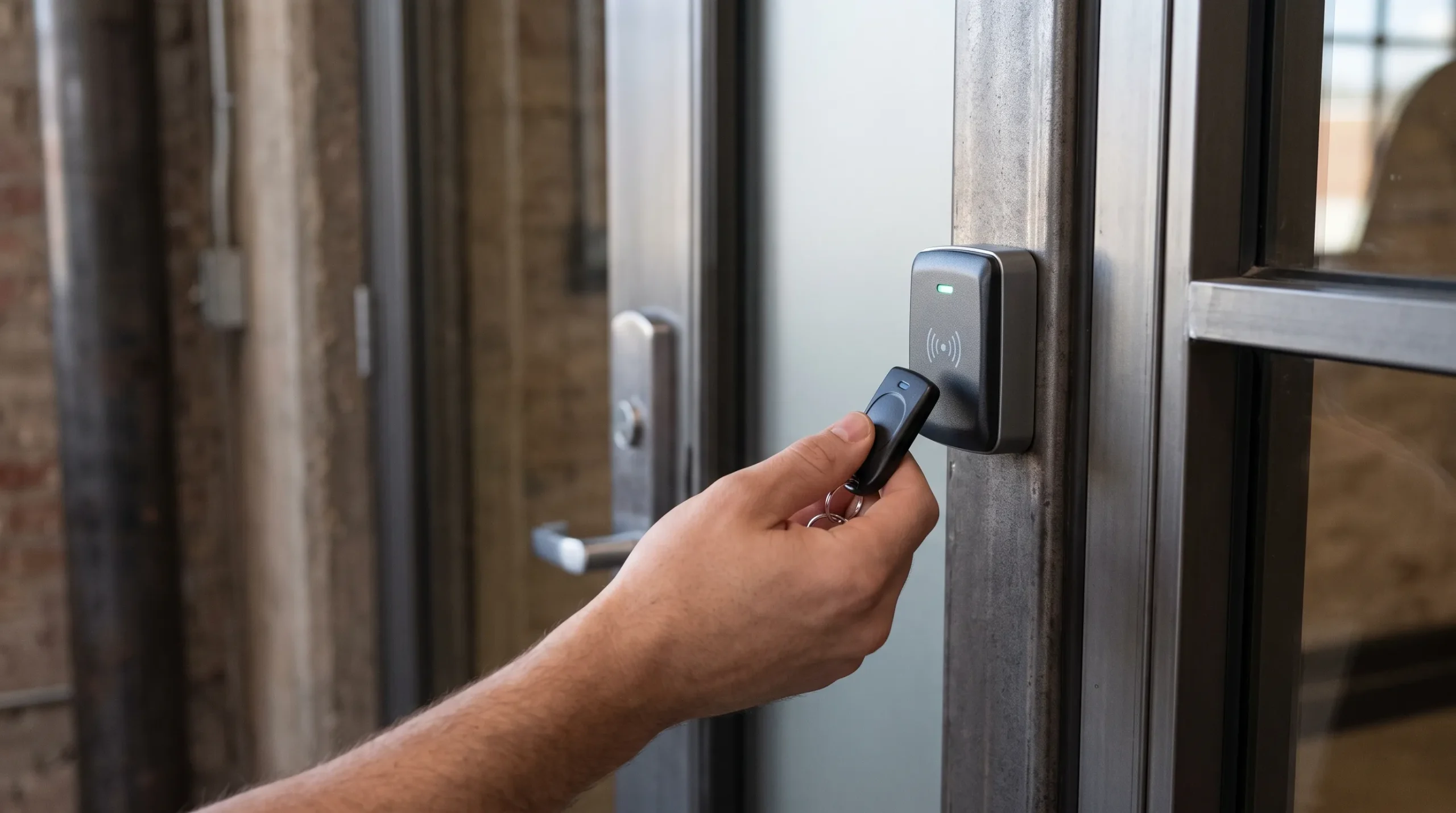
A key fob system is one of the simplest upgrades from traditional locks, but the right setup still depends on door count, how often staff turnover, and whether the business might want cloud management down the road. Getting the hardware right at install time avoids a second visit later to swap readers or rewire a door, and choosing credentials that match how staff actually move through the building keeps day-to-day use simple instead of frustrating. Most owners find the transition faster and less disruptive than they expected once the first few doors are up and running.
R&S Erection of Richmond Inc installs and maintains key fob access control systems for offices, apartment buildings, and commercial properties across Richmond. If you’re ready to talk through options for your property, contact us today or give us a call to book a free consultation with one of our licensed technicians.